Exchange Connectors
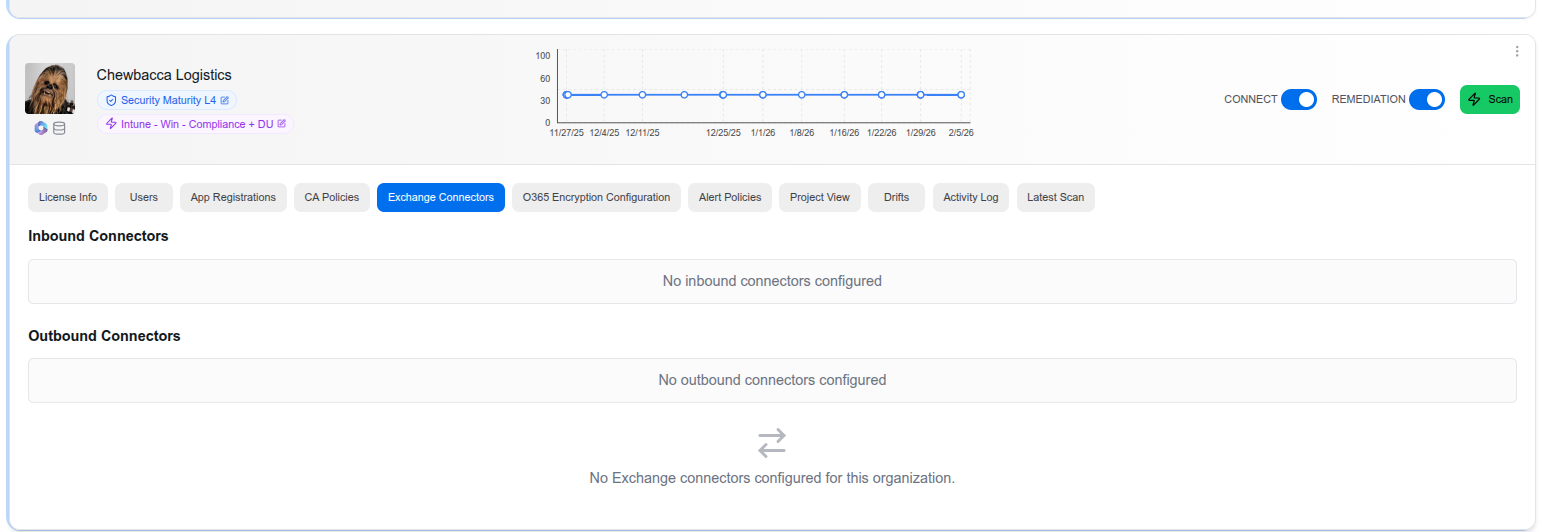
The Exchange Connectors tab displays all inbound and outbound mail flow connectors configured in your client’s Exchange Online environment. Connectors control how email flows between Microsoft 365 and external mail servers, partner organizations, or on-premises environments.
Connector Types
The page is divided into two sections:
Inbound Connectors
Inbound connectors define how email is received from external sources into the Microsoft 365 tenant. Common use cases include:
- Receiving mail from an on-premises Exchange server
- Routing mail through a third-party email security gateway
- Accepting mail from a partner organization with specific TLS requirements
Outbound Connectors
Outbound connectors define how email is sent from Microsoft 365 to external destinations. Common use cases include:
- Routing outbound mail through an on-premises server or gateway
- Enforcing TLS encryption for specific partner domains
- Sending mail through a third-party filtering service
Why It Matters
Misconfigured or unknown connectors can be a significant security risk. They can:
- Allow mail to bypass spam and malware filtering
- Create open relays that can be exploited for phishing
- Route sensitive mail through unintended third-party services
Reviewing connectors regularly helps ensure mail flow is secure and intentional.
Last updated on